Published Oct 2, 2026 in Alternatives
10 Best Free AI App Builders in 2026: Limits, Code Export and Pricing
Author: Ideavo Team
The best free AI app builder in 2026 is Ideavo for builders who want a free core platform, source-code ownership and the freedom to use their own AI provider. Figma Make is the best free option for teams already designing in Figma, Bolt offers the most generous simple browser allowance, and Lovable is a strong choice for design-led web apps.
"Free" does not mean the same thing across AI app builders. One tool limits prompts, another meters tokens, another makes export a paid feature, and a self-hosted builder may still require paid model usage. This guide separates the sticker price from the limit that actually stops a project — and ranks ten builders by the same standard.
Free AI app builders compared
| Rank | Builder | What the free option includes | Code export | Paid starting point* |
|---|---|---|---|---|
| 1 | Ideavo | Free core; connect your own model | Yes; export and GitHub sync | Optional Pro: $20/month |
| 2 | Bolt | 300K tokens/day, 1M/month | Yes | Pro: $25/month |
| 3 | Lovable | 5 build credits/day, up to 30/month | Yes; code ownership and GitHub workflow | Plans from $25/month |
| 4 | v0 | $5 monthly credits, 7 messages/day | Yes; GitHub sync | Plus: $30/user/month |
| 5 | Replit | Limited free Agent and workspace access | Yes; Git-backed project | Core: $20/month billed annually |
| 6 | Base44 | 25 messages, 100 integration credits/month | Yes; two-way GitHub sync | Starter: $16/month annually |
| 7 | Google AI Studio | Build mode access; quotas vary by model | Yes; ZIP and GitHub | Usage-based Gemini/Cloud costs |
| 8 | FlutterFlow | 2 projects, 5 lifetime AI requests | No on Free | Basic with export: $39/month |
| 9 | Bubble | Development app, 50K workload units/month | No runnable source export | Starter: $59/month annually |
| 10 | Figma Make | 150 AI credits/day, 500/month | Yes; HTML, CSS and SVG | Full seat from $16/month |
*Prices and allowances were checked on October 1, 2026. Taxes, regional prices, annual discounts, AI-provider usage and infrastructure are separate where applicable.
What "free" should mean before you choose
A useful free AI app builder should answer five questions clearly:
- What is metered? Prompts, tokens, credits, agent time, projects or infrastructure.
- Does the allowance reset? Daily and monthly grants behave very differently from lifetime credits.
- Can you export the source? Ownership language is not the same as receiving a runnable repository.
- Can you publish? Some free plans build and preview but require payment for a live domain or app-store release.
- What bills appear later? Model APIs, databases, storage, email, domains and hosting often sit outside the builder price.
Our ranking favors a credible path out of the free tier — not just the largest headline allowance.
1. Ideavo — best free AI app builder for code ownership
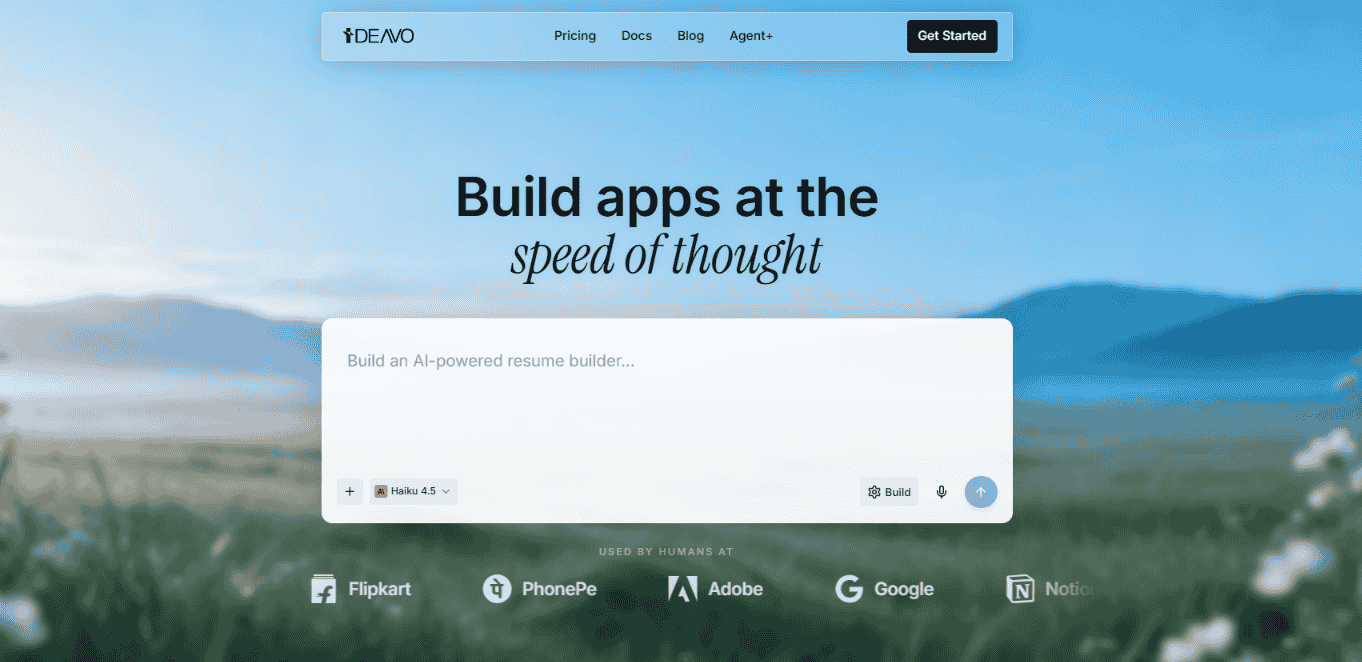
Ideavo keeps the builder itself free and asks you to connect the AI access you already use. With bring your own key, requests go to the selected provider and the provider bills you directly, without an Ideavo markup.
The free core includes the product-building workflow, while generated code remains editable and portable. You can import public or private GitHub repositories, track branches, push changes and continue outside Ideavo. The platform also includes a browser IDE, previews and a route to isolated cloud sandboxes.
Free limit: Ideavo does not sell a bundled prompt bucket; your practical limit is the AI subscription or API quota you connect, plus any external infrastructure.
Code export: Yes — export code and sync with GitHub.
The catch: there is no bundled model allowance, so the free experience assumes you already have AI access through a subscription or API key.
Best for: people who dislike opaque credit conversion and want the repository to outlive the builder.
2. Bolt — best generous browser free tier
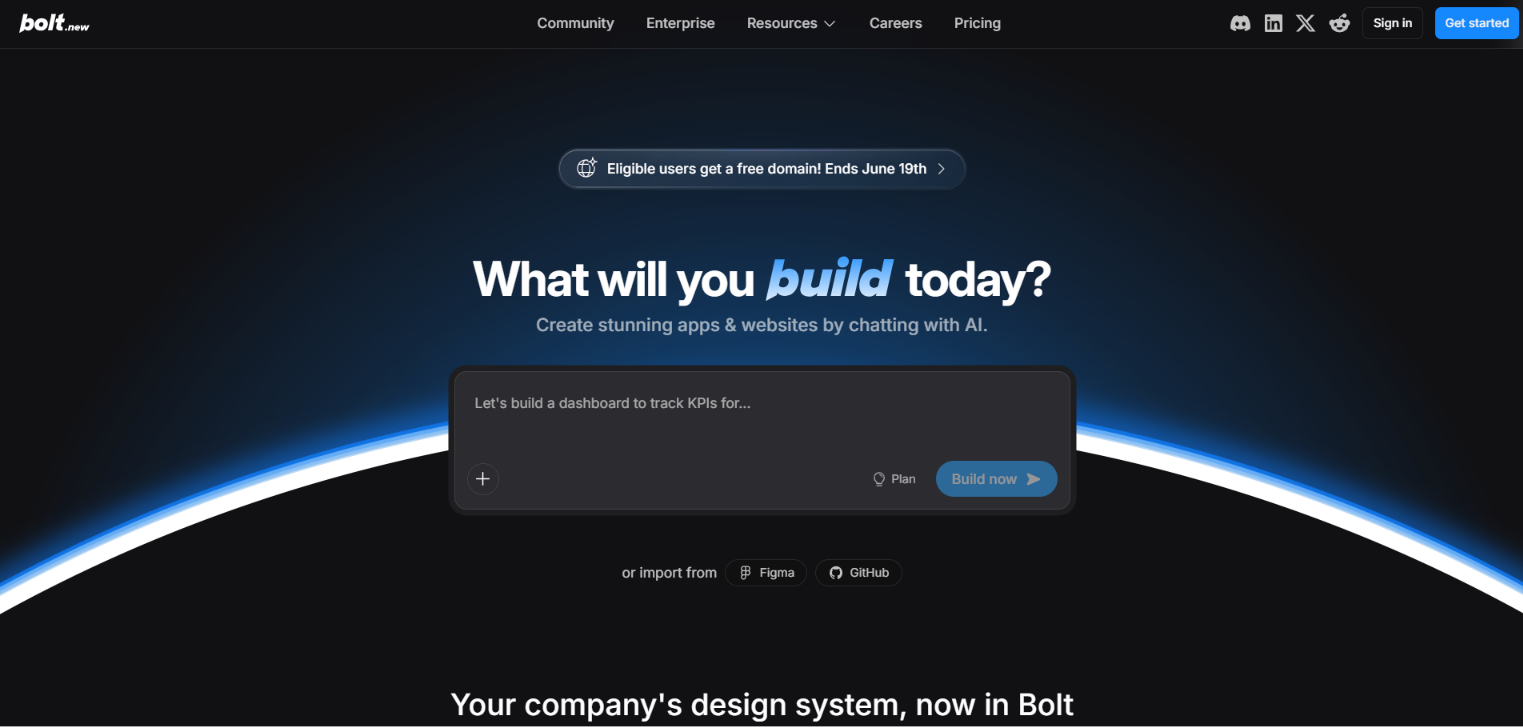
Bolt runs the app and development tooling directly in the browser, which makes the jump from prompt to interactive preview exceptionally short. Its free allowance is simple enough to reason about compared with many variable credit systems.
According to Bolt pricing, Free includes 300,000 daily tokens capped at 1 million monthly, hosting, unlimited databases and Bolt branding. Pro costs $25/month and includes 10 million monthly tokens, custom domains and branding removal.
Free limit: 300K tokens per day and 1M per month.
Code export: Yes.
The catch: tokens fund the whole conversation — file reads, context resends and retries included — so the effective allowance shrinks as your project grows.
Best for: browser-first prototypes and small full-stack web apps.
3. Lovable — best free builder for polished web apps
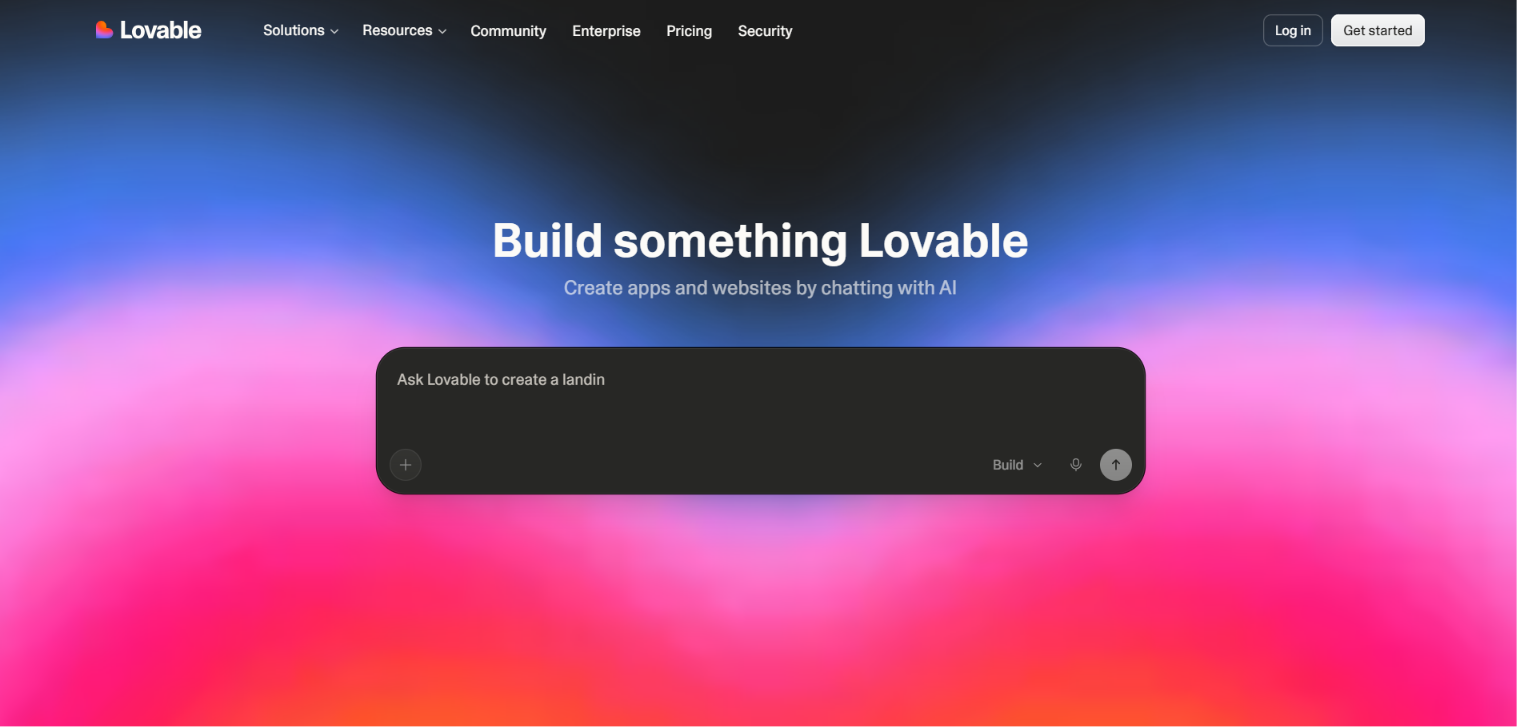
Lovable's strength is turning plain-language requirements into a coherent, visually polished web product. The current Lovable Free plan includes 5 daily build credits, capped at 30 per month, 20 monthly Cloud credits and 4 credits for trying AI features inside a deployed app.
Lovable's default mode charges different amounts based on task complexity, which makes a credit bucket more flexible than a fixed message count — but also less predictable when budgeting.
Free limit: 5 build credits per day, up to 30 each month.
Code export: Lovable says you own the code; use GitHub to keep an external repository.
The catch: 30 monthly credits disappear in a couple of working sessions, and complexity metering makes monthly budgets approximate.
Best for: web MVPs where presentation and fast iteration matter.
4. v0 — best free option for Next.js and Vercel
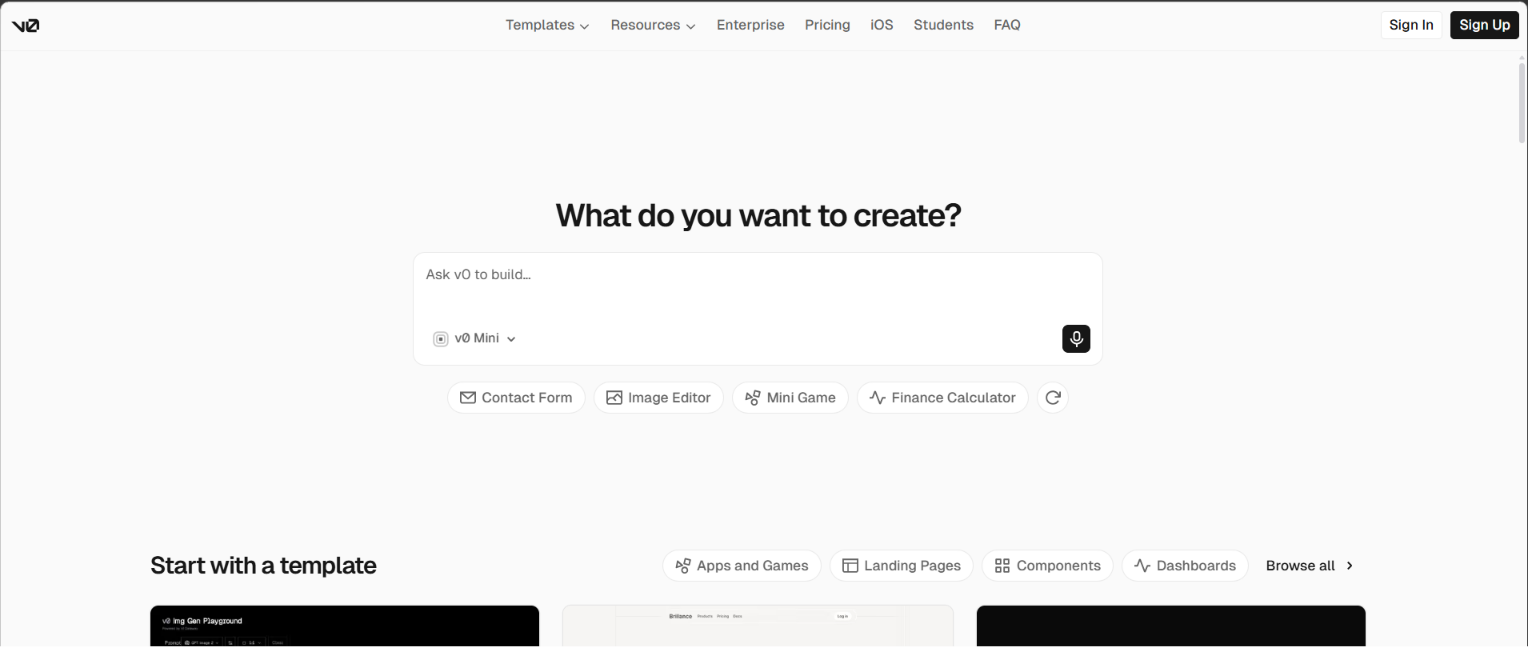
v0 is optimized for modern React and Next.js development and publishes naturally to Vercel. The Free plan provides $5 in monthly credits, up to 7 messages per day, Design Mode, GitHub sync and Vercel deployment.
Plus costs $30 per user per month, includes $30 in monthly credits and offers $2 in daily login credits. Teams should treat the dollar-denominated allowance as model usage, not as a fixed number of complete applications.
Free limit: $5 monthly credits and 7 messages per day.
Code export: Yes, through inspectable files and GitHub sync.
The catch: the free allowance is dollar-denominated inference — one heavy generation can consume what looked like a week of room.
Best for: developers building on Next.js, React and Vercel.
5. Replit — best free cloud development environment
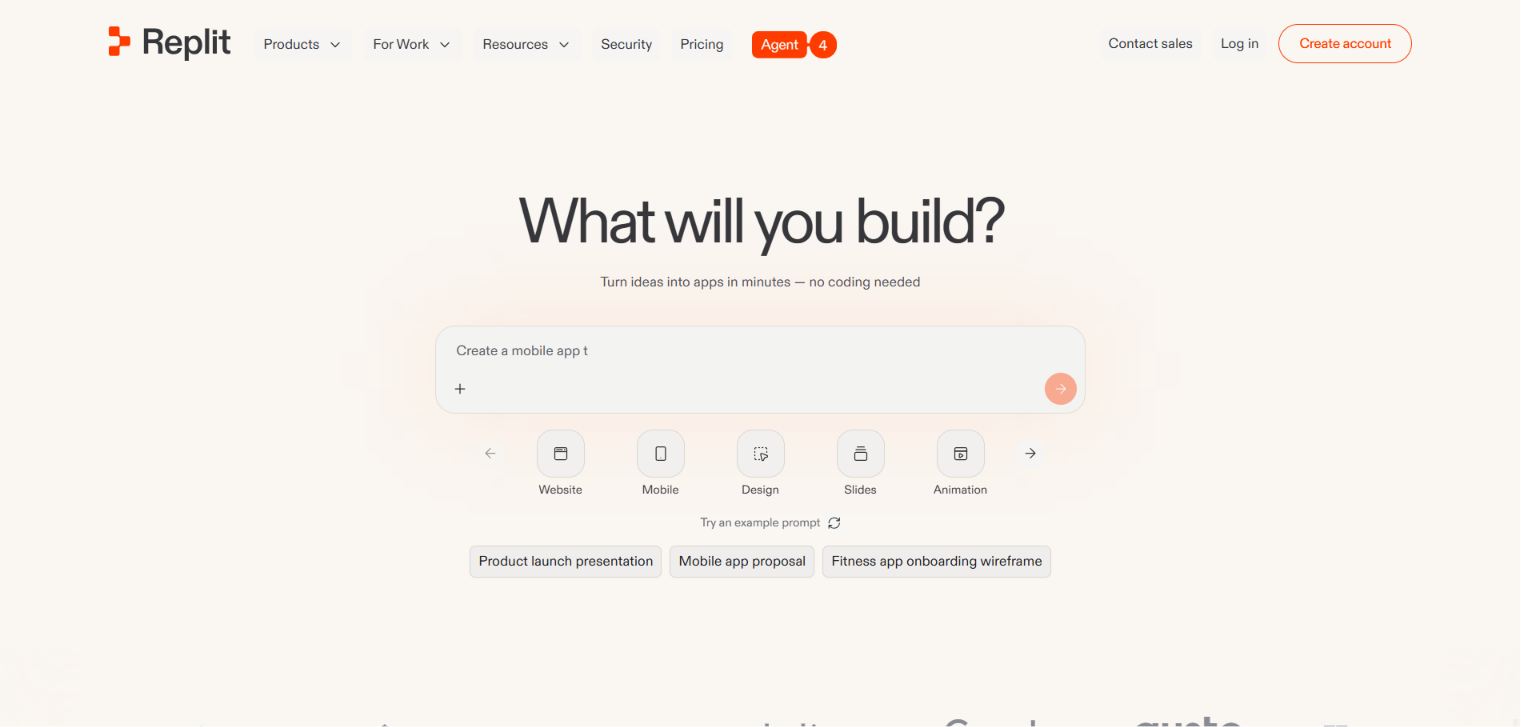
Replit is broader than a prompt-only builder: it combines Agent, a code editor, runtime, database, authentication and deployment. The free experience is useful for evaluating the workflow, but serious and sustained Agent use quickly points toward a paid subscription.
Replit Core is $20/month billed annually and includes $25 toward model usage plus Free Mode allowances. Pro is $100/month and raises usage, collaboration and parallel-agent capacity.
Free limit: limited Agent and workspace allowances; exact availability can vary by feature rollout.
Code export: Yes — projects use normal files and Git.
The catch: the free tier is an evaluation window, not a working allowance — Agent credits deplete quickly on real projects.
Best for: learners and cloud-first builders who want code, terminal and deployment together.
6. Base44 — best free managed business-app backend
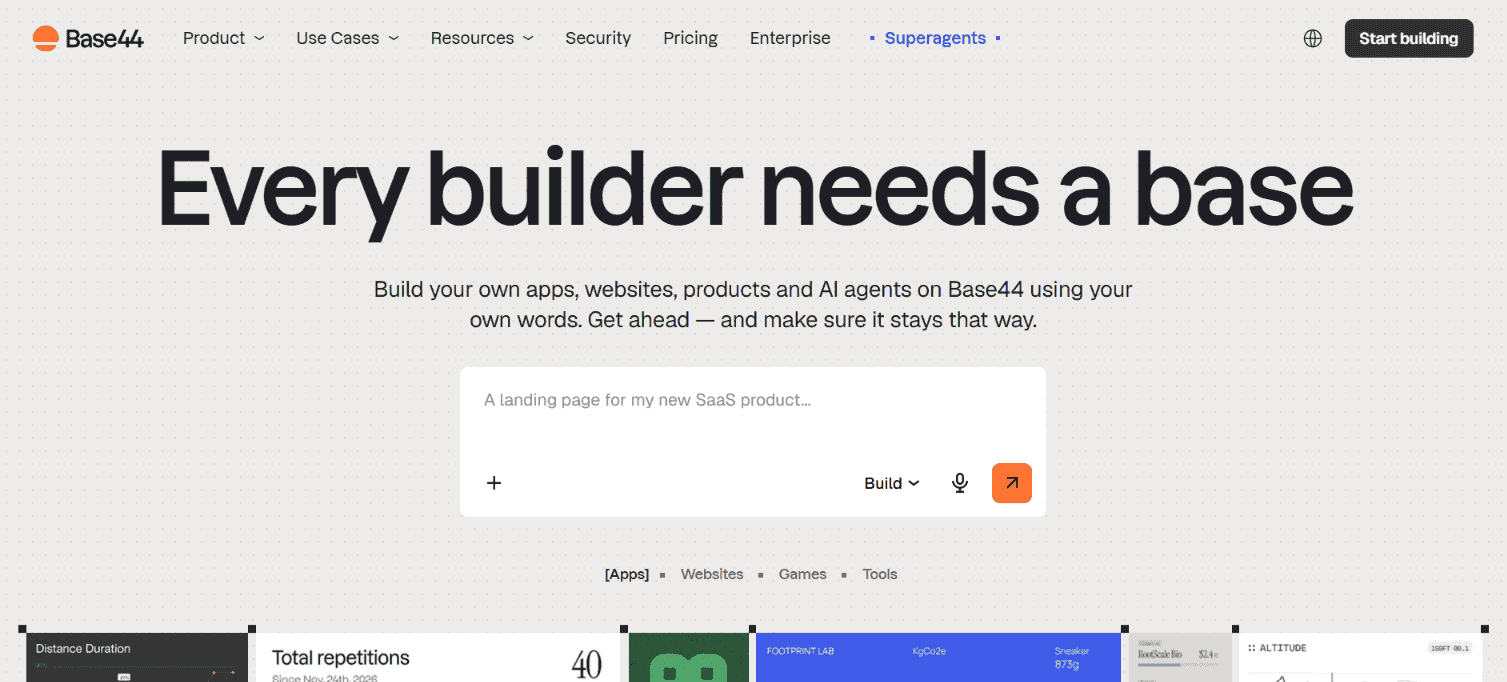
Base44 Free includes 25 message credits, 100 integration credits each month and up to five apps. Even the free tier includes core backend capabilities such as authentication, database functionality and analytics.
The vendor states that two-way GitHub sync exports full source code. Paid Starter costs $16/month billed annually and increases the allowance to 100 message credits and 2,000 integration credits.
Free limit: 25 message credits and 100 integration credits per month; up to five apps.
Code export: Yes, with two-way GitHub sync.
The catch: a smaller ecosystem and less control over your stack than code-first options.
Best for: portals, dashboards and business workflows needing managed auth and data.
7. Google AI Studio — best free Gemini-native builder
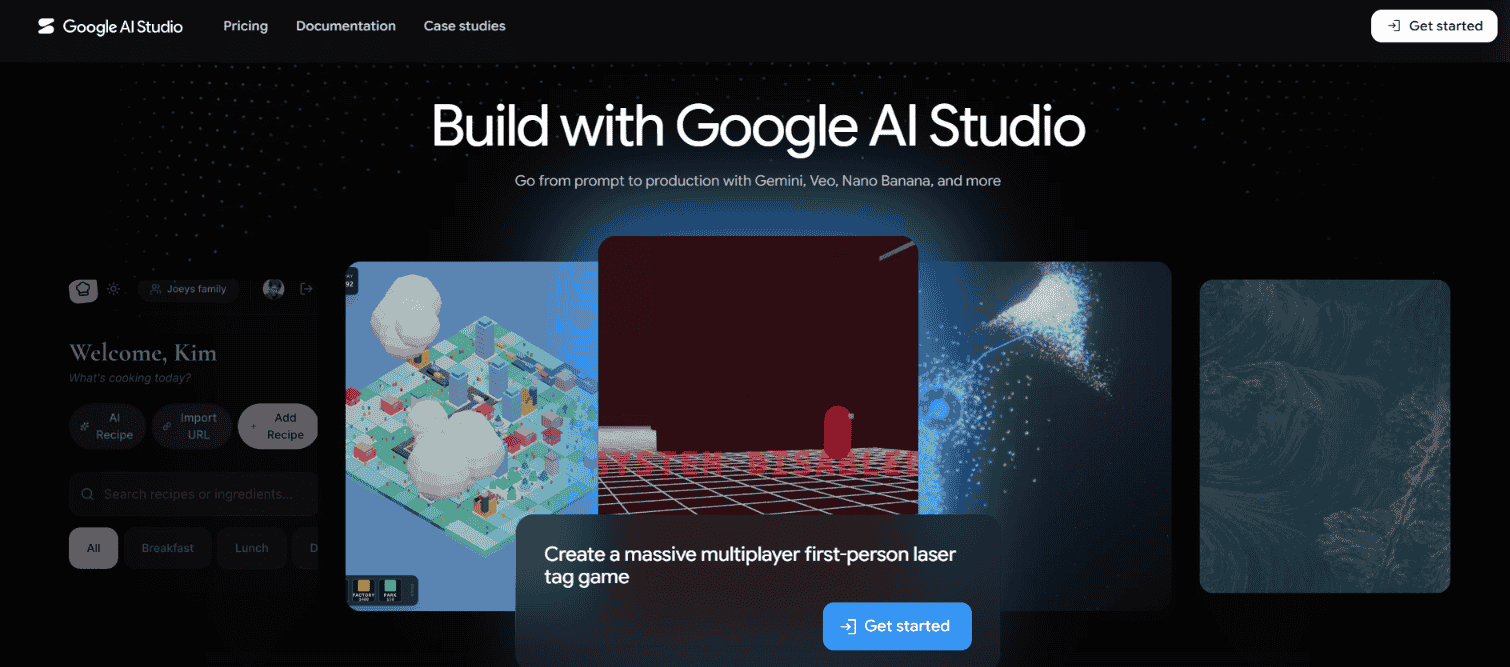
Google AI Studio Build mode creates full-stack React and Node.js web apps and native Android projects. It can manage server-side secrets, install npm packages and connect Firestore and Firebase Authentication.
There is no single builder subscription limit comparable to Bolt's tokens. The practical ceiling depends on the Gemini model, account quotas and any Cloud Run or Firebase services used. Projects can be downloaded as a ZIP or synchronized with GitHub.
Free limit: available without a builder fee, subject to Gemini and Google Cloud quotas.
Code export: Yes — ZIP and GitHub workflows.
The catch: quotas and costs span Gemini, Firebase and Cloud services, so the production bill is separate from the free builder access.
Best for: Gemini experiments and Google Workspace integrations.
8. FlutterFlow — best free visual builder for mobile evaluation
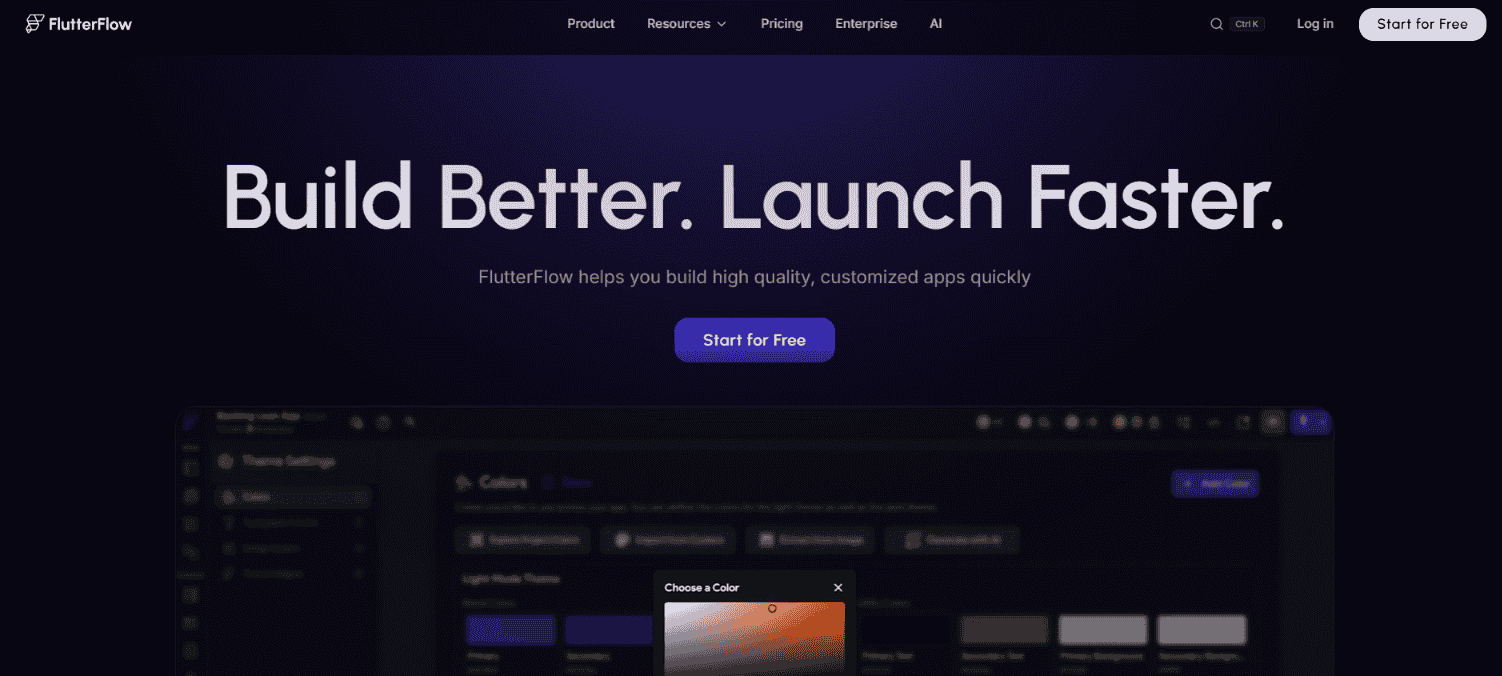
FlutterFlow's Free plan supports mobile, web and desktop projects, up to two projects, API/data integrations, web publishing and 5 lifetime AI-generation requests. It is enough to evaluate the visual Flutter workflow and build a small prototype.
The important restriction is export. Downloading Flutter source or an APK begins with Basic at $39/month. GitHub integration begins with Growth at $80/month for the first seat.
Free limit: two projects, 5 lifetime AI requests and 10 Lite credits.
Code export: No on Free; code download begins on Basic.
The catch: AI generation is nearly absent from the free tier, and export — the reason you would choose it — is a paid feature.
Best for: evaluating a cross-platform mobile workflow before paying for export.
9. Bubble — best free no-code ecosystem, but no source export
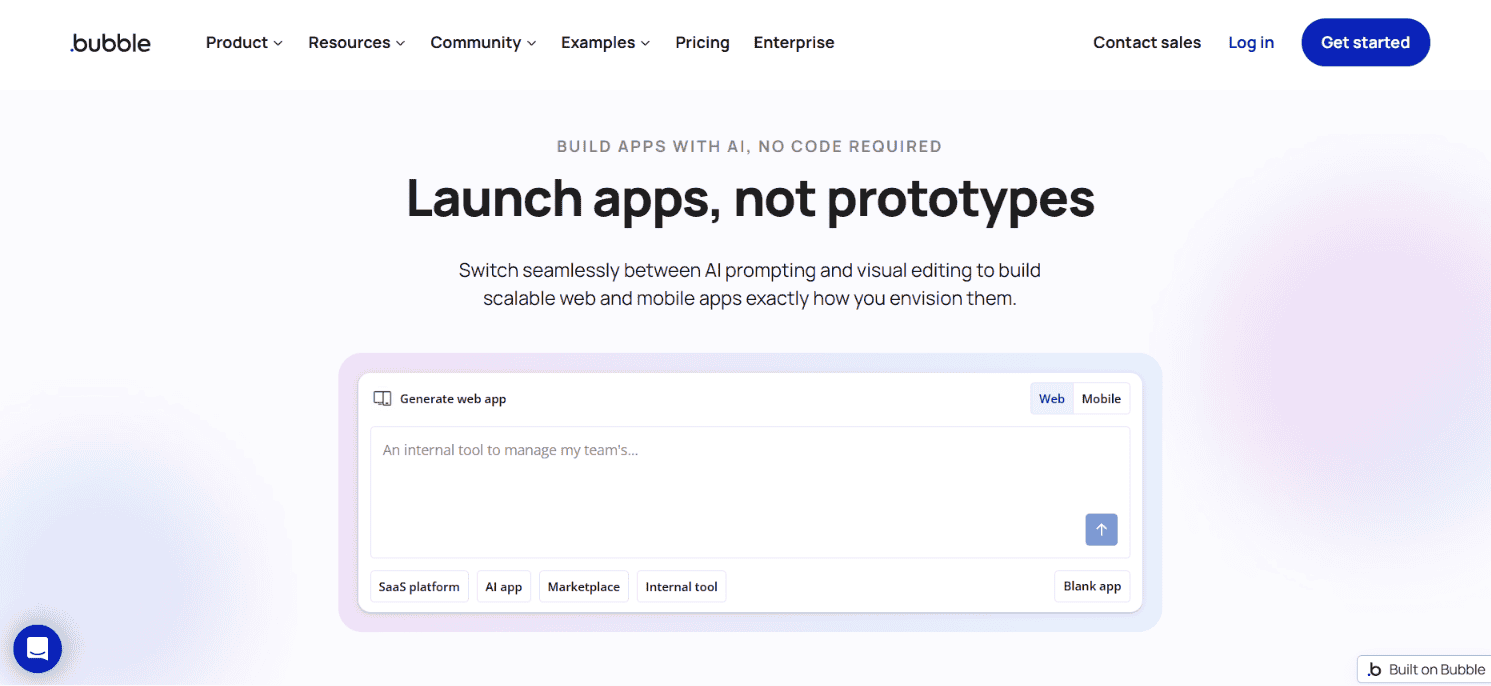
Bubble Free lets one editor build a development version with an API connector, web and native mobile editors, debuggers and 50,000 monthly workload units. It is a capable sandbox for learning Bubble and validating workflows.
A paid plan is required for a live application. Starter for web and mobile is $59/month billed annually. More importantly, Bubble apps cannot be exported as runnable source. You can export data, but leaving Bubble means rebuilding application logic.
Free limit: development only, one editor and 50K workload units/month.
Code export: No standalone source export.
The catch: free development with no exit — the runnable logic stays on Bubble forever.
Best for: builders comfortable committing to Bubble's managed runtime.
10. Figma Make — best free builder for designers already in Figma
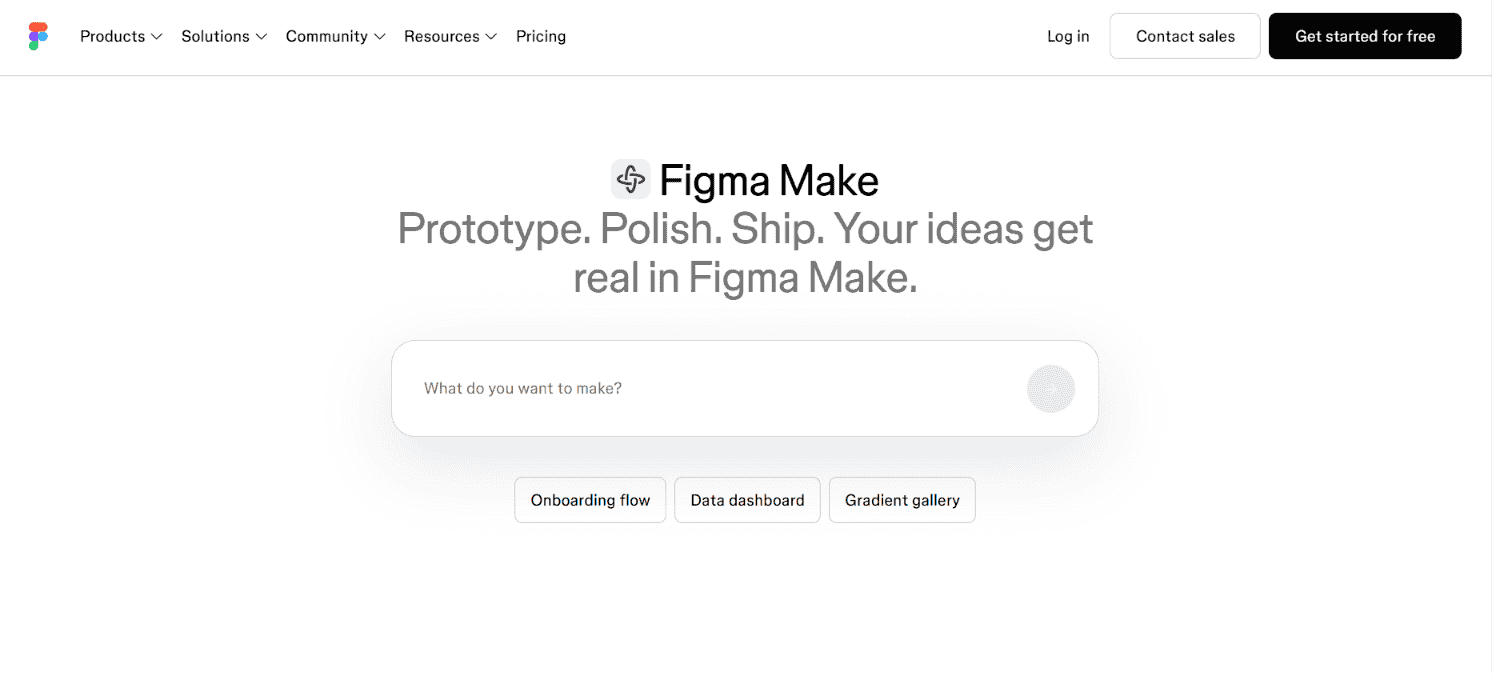
Figma Make is Figma's AI app builder: it turns a prompt — or an existing Figma design file — into a functional web app or interactive prototype, with a code view underneath and export to real HTML, CSS and SVG. For product teams that already live in Figma, it is the shortest path from design to something clickable that actually works.
The free Starter plan includes 150 AI credits per day capped at 500 per month, with unlimited drafts and limited publishing options. Professional Full seats start at $16/month billed annually with larger credit allowances, and code layers let developers add custom interactivity by hand.
Free limit: 150 AI credits per day, up to 500 per month.
Code export: Yes — real HTML, CSS and SVG, plus a code view for inspection.
The catch: publishing is limited on the free plan, and Make is strongest inside the Figma ecosystem — teams using other design tools get less of its advantage.
Best for: designers and product teams turning Figma designs into working apps without leaving Figma.
How to choose the right free builder
- Choose Ideavo if you already pay for AI access and want the platform cost to stay at zero while you build.
- Choose Bolt if you want the largest simple browser allowance and can live with token math.
- Choose Lovable or v0 when output quality on a small project matters more than sustained usage.
- Choose Replit if the goal is learning a full development workflow, not shipping this month.
- Choose Base44 for internal business tools where the managed backend is the point.
- Choose Google AI Studio for Gemini-native experiments inside the Google ecosystem.
- Choose FlutterFlow for mobile evaluation, Bubble only if its runtime is a conscious long-term commitment, and Figma Make if your designs already live in Figma.
For deeper comparisons of individual tools, see the Bolt.new alternatives, Lovable alternatives, Replit alternatives and v0 alternatives guides.
Our recommendation
For the most control at the lowest platform cost, start with Ideavo if you already have model access. Choose Bolt for the simplest generous browser allowance and Lovable when fast visual polish matters more than predictable economics.
Whatever you choose, connect GitHub or export the project on day one. A free tier is safest when your work can leave it.
Frequently asked questions
Answers to common questions about free AI app builders.
What is the best free AI app builder in 2026?
Ideavo is our best overall choice because the core builder is free, it supports your own AI provider, and it gives you portable code with GitHub sync. Figma Make is the best free option for teams already working in Figma.
Which free AI app builder has no prompt limit?
Ideavo does not impose a bundled SaaS prompt bucket when you use your own AI provider. Your model subscription or API quota still sets a practical limit.
Can I build and publish an app for free?
Yes, for small apps and free-quota traffic. Bolt, v0, Lovable, Base44 and Google AI Studio offer publishing paths, while Figma Make's publishing options expand on paid plans. Domains and higher usage usually cost extra.
Which AI app builders export source code for free?
Ideavo, Bolt, Lovable, v0, Replit, Base44, Google AI Studio and Figma Make provide code ownership or export workflows. FlutterFlow requires a paid plan for code download, and Bubble does not export runnable app source.
Is Ideavo really free?
Ideavo's core builder is free. You bring your own AI subscription or API key, so your chosen provider may charge for model usage. The optional Pro plan costs $20 per month.