Published Oct 2, 2026 in Alternatives
6 Best Replit Alternatives in 2026: Ranked and Compared
Author: Ideavo Team
The best Replit alternative in 2026 is Ideavo for builders who want natural-language development while keeping editable code in their own GitHub and using their own AI provider. Bolt is the fastest prompt-to-app route, Cursor is the strongest AI editor for local development, and GitHub Codespaces is the safest cloud workspace with no Agent metering.
Replit's pitch is convenience: your editor, runtime, database, authentication and deployment in one browser tab, with Agent doing the heavy lifting on request. The reasons people leave are just as clear. Agent credits deplete quickly on complex projects, usage pricing makes monthly costs hard to predict, and teams that live in GitHub anyway start asking why their infrastructure lives in someone else's workspace.
This guide compares six alternatives on pricing, workflow and code ownership. Prices and limits were checked on October 1, 2026.
Replit alternatives at a glance
| Rank | Tool | Best for | Free tier | Paid from | Code export |
|---|---|---|---|---|---|
| 1 | Ideavo | Prompt building + repo ownership | Free core builder | $20/month Pro | Yes; export and GitHub sync |
| 2 | Bolt | Fastest prompt-to-app in a browser | 300K tokens/day, 1M/month | $25/month | Yes |
| 3 | Lovable | Polished web apps from prompts | 5 credits/day, 30/month | $25/month | Yes; GitHub workflow |
| 4 | v0 | Next.js and Vercel teams | $5 monthly credits | $30/user/month | Yes; GitHub sync |
| 5 | Cursor | AI editor on your own machine | Limited Hobby plan | $20/month | It is your code from day one |
| 6 | Codespaces | Cloud dev environment, no Agent metering | 120 core hours + 15 GB/month | Usage-based | It is your repository |
Is Replit still worth it in 2026?
If you want zero-setup programming in a browser — especially for learning, quick scripts or small projects — yes, and the free Starter plan is a genuinely friendly on-ramp. The question is cost and control at the point where Agent does serious work.
What Replit does well
- A complete environment in one tab: editor, runtime, database, auth, deployment and collaboration
- Agent turns a prompt into a working project with almost no setup knowledge required
- Generous language support and instant spin-up for experiments and teaching
Where Replit struggles
- Agent credits deplete quickly on complex projects, and the Core plan's included credits are widely described as a starting point, not a monthly ceiling
- Usage-based pricing makes a serious app's monthly cost hard to predict
- Databases, secrets and deployment settings live inside the workspace, which raises switching costs later
If unpredictable Agent costs or platform lock-in is your reason to shop around, the six alternatives below are ranked for you.
1. Ideavo — best Replit alternative for repo ownership and model freedom

Ideavo covers the same prompt-to-working-app ground as Replit Agent, with a different ownership model. Generated code is editable and portable, projects sync with GitHub in both directions, and a browser IDE, live previews and isolated cloud sandboxes sit between prompting and hand-editing files.
The pricing split is also different: the builder is free, and you connect the AI access you already pay for through bring your own key. Your provider bills model usage directly, so your platform cost stays flat while iteration grows.
Pricing: the core builder is free. Optional Pro is $20/month for an ad-free experience, collaboration and parallel tasks. Model usage is billed by your provider.
The catch: no bundled model allowance — you need your own AI subscription or API key. And an existing Replit project still needs a real migration, not a copy-paste.
Best for: teams that want AI-assisted building while their code lives in a conventional GitHub workflow. The why Ideavo is free post explains the model.
2. Bolt — best for the fastest prompt-to-app loop
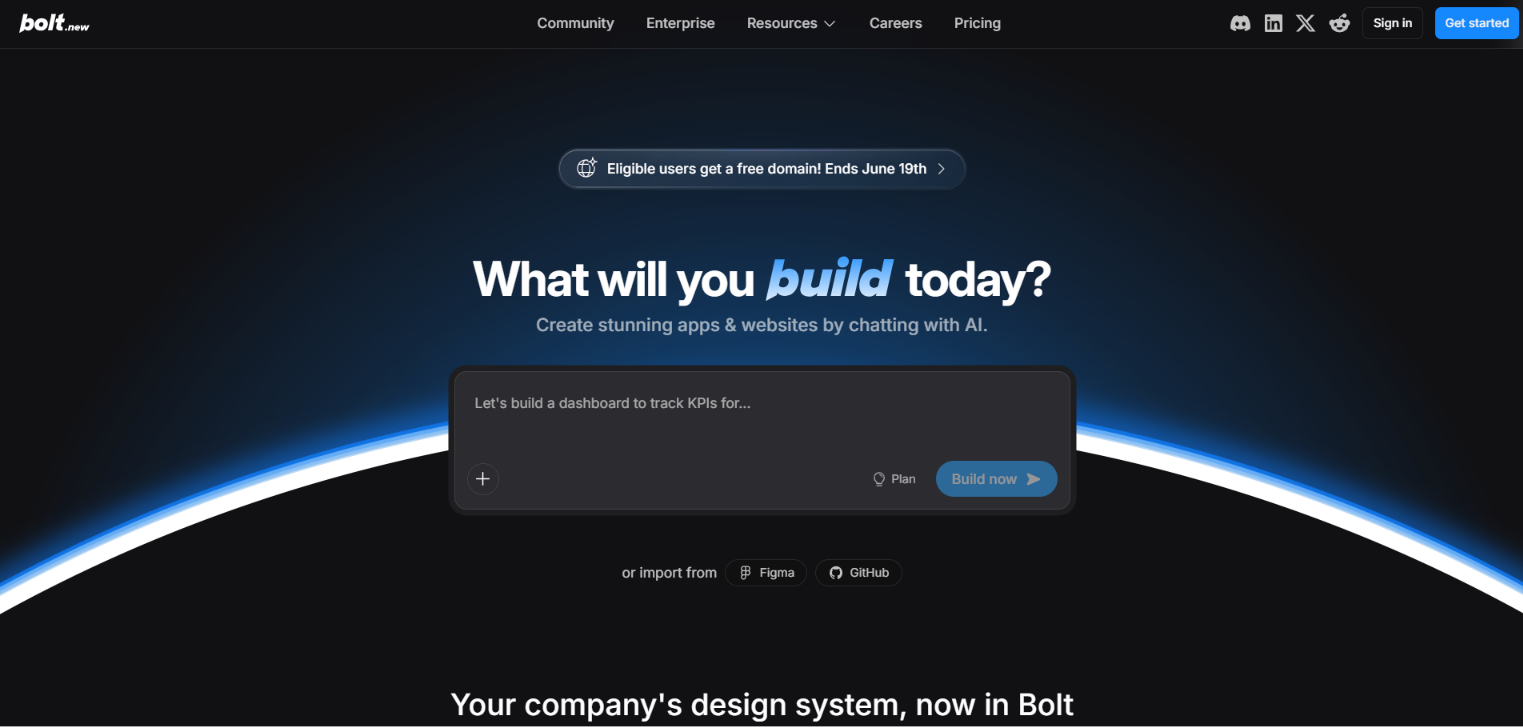
Bolt strips the workspace down to the loop Replit Agent made famous: describe the app, get a running full-stack preview, iterate in the browser. Hosting and unlimited databases are included, so the first deploy is minutes away.
Pricing: Free includes 300,000 tokens per day capped at 1 million per month. Pro starts at $25/month for roughly 10 million monthly tokens with no daily cap.
The catch: it is a builder, not a development environment — serious debugging, tests and multi-file surgery are weaker than in a real editor. Tokens also fund conversation history and retries, so costs rise with project size.
Best for: fast prototypes and small full-stack apps. See Bolt vs Replit for the head-to-head.
3. Lovable — best for polished web apps from prompts
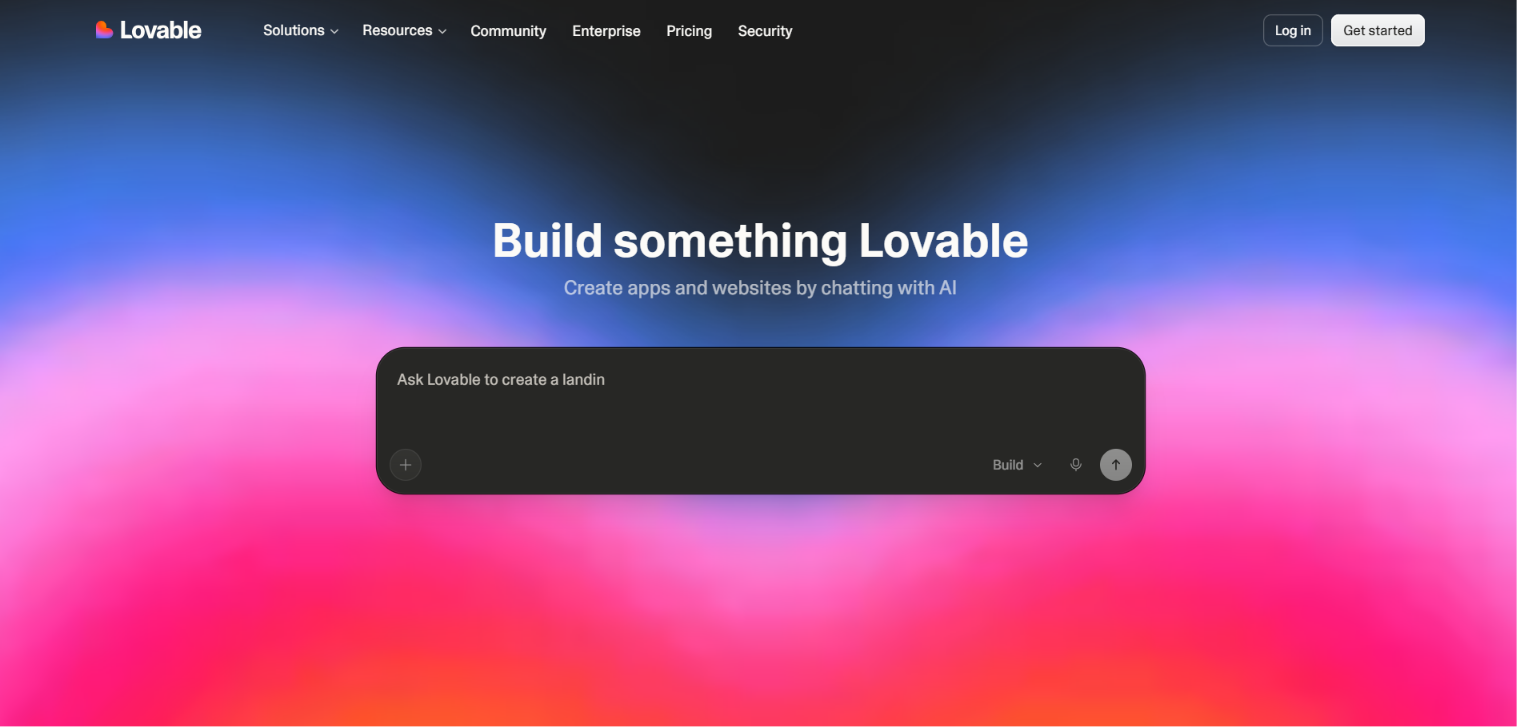
Lovable is the choice when the output needs to impress: plain-language prompts return coherent, well-designed web apps with sensible layout and copy. GitHub sync and clear code-ownership terms keep the exit door open.
Pricing: Free includes 5 daily credits capped at 30 per month. Pro is $25/month with 100 credits, a 5-credit daily bonus and one month of rollover.
The catch: credits are metered by task complexity, so budgets are approximate — a cousin of the same metering problem that pushes people off Replit.
Best for: client-facing web MVPs where design quality leads. See Lovable vs Replit for that pair.
4. v0 — best for Next.js and Vercel teams
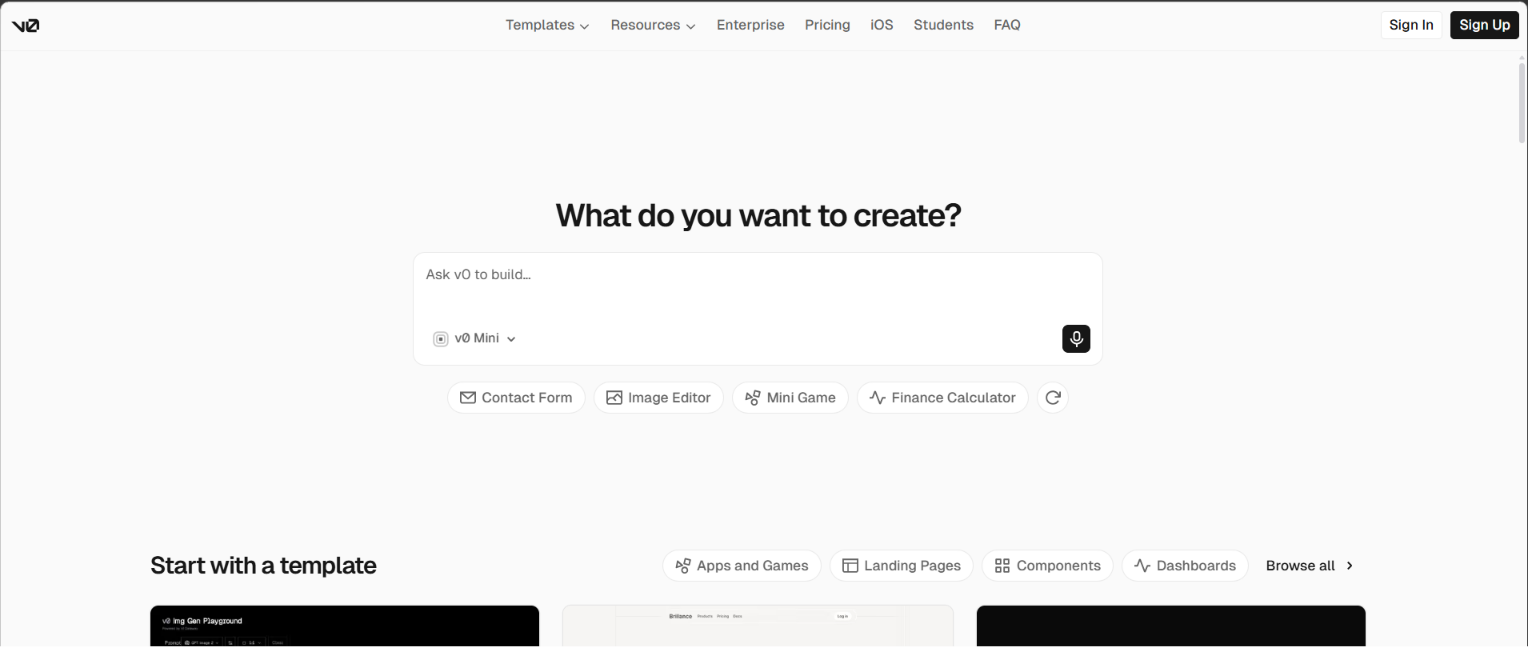
v0 generates React and Next.js code with rare structural quality, and its GitHub sync plus Vercel deployment make it a complete pipeline rather than a playground. If your Replit projects are Next.js apps anyway, the gravitational pull is strong.
Pricing: Free includes $5 in monthly credits and up to 7 messages per day. Plus is $30 per user per month with $30 in monthly credits plus $2 in daily login credits.
The catch: the happy path is Next.js on Vercel; other stacks are second-class. Dollar-denominated credits have the same predictability problem as Replit's usage pricing.
Best for: teams standardized on the Vercel stack. The v0 vs Replit comparison covers the pair.
5. Cursor — best AI editor for local development
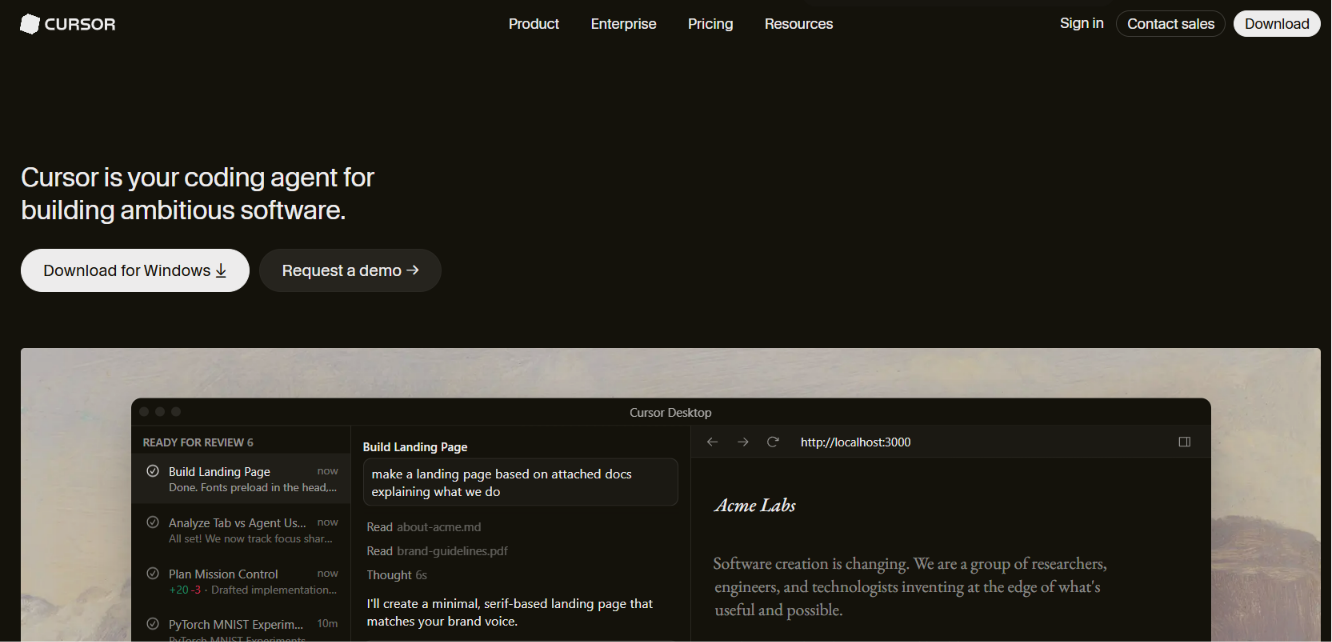
Cursor answers "I want Replit's AI without Replit's metering" from the opposite direction: an AI-first editor built on VS Code that runs on your machine, reads your whole repository and edits across files on instruction. There is no platform allowance because there is no platform — pair it with any model subscription or API key and your own runtime.
Pricing: a limited free Hobby plan; Pro from $20/month.
The catch: you own the entire environment — runtime, database, deployment. It is a developer's tool, not a shortcut around development.
Best for: professional developers who want AI inside their existing workflow. The Replit vs Cursor article expands on the trade.
6. GitHub Codespaces — best cloud workspace without Agent metering
GitHub Codespaces is the direct answer when what you liked about Replit was the browser workspace rather than the AI. You get a full VS Code environment in the cloud, preconfigured for your repository with dev containers, and you can layer any AI assistant on top — including Copilot, Cursor-style extensions or your own scripts.
Pricing: free personal accounts include 120 core hours and 15 GB of storage per month; beyond that, usage-based billing applies.
The catch: no built-in Agent or database-and-deploy bundle. Codespaces is infrastructure; you assemble the app workflow yourself.
Best for: developers and teams already standardized on GitHub who want a cloud IDE with transparent, infrastructure-only pricing.
Replit pricing explained
| Plan | Price | What you get |
|---|---|---|
| Starter | $0 | Limited Agent and workspace access |
| Core | $20/month annual, $25 monthly | $25 in monthly Agent credits, higher workspace limits |
| Pro | around $100/month | Substantially higher usage, collaboration, parallel agents |
| Teams | custom | Organization-level controls |
The number to watch is not the subscription but the credit line: Core's $25 in monthly Agent credits is described by Replit itself as an allowance toward model usage, and community reports consistently describe serious Agent projects consuming multiples of it. Budget a real month of usage before comparing Replit's sticker price with any alternative.
How to move off Replit without breaking your app
A migration test beats a feature table. Pick one small, awkward slice of your app — a signed-in user creates a record, edits it, and still sees it after a refresh — and run these five steps:
- Export the code. Sync or download the repository. Record environment-variable names and deployment settings; never paste live secret values into any AI tool.
- Run it elsewhere. Install dependencies and start the app without Replit-specific services. Note everything that breaks.
- Move one data path. Test a database connection, an authenticated write and a read from a second session.
- Ship a test deployment. Confirm callback URLs, custom domains, logs and rollback on the new platform.
- Price a real month. Add up platform fees, model usage, hosting and database costs separately.
If that slice cannot move, the blocker is a dependency, not a tool choice — solve it consciously instead of rewriting around it. And if Replit is genuinely serving you well, staying is a valid answer; most switches save money only when there is a concrete cost or ownership problem to solve.
Frequently asked questions
Common questions about switching away from Replit.
What is the best free Replit alternative?
Ideavo is the strongest free alternative for app building if you already have AI access, because the core builder is free and connects to your own provider, and GitHub Codespaces offers 120 free core hours per month for cloud development.
How much does Replit cost in 2026?
Replit Starter is free with limited access. Core costs $20/month billed annually or $25 month-to-month and includes $25 in monthly Agent credits. Pro runs around $100/month, with custom Teams pricing above that. Serious Agent usage usually exceeds the included credits.
Which Replit alternative keeps my code on my own machine?
Cursor. It is a local editor, so your files and repository never leave your computer, and it pairs with your own model subscription or API key. Ideavo keeps a full copy of your project in your own GitHub repository — cloud-based, but owned and portable.
Can I move my Replit project to another platform?
Usually yes, because Replit projects use normal files and Git. Export the repository, record environment variables and database settings, then run the app outside Replit before migrating data and deployment. The five-step migration test in this article covers the sequence.
Is Replit good for production apps?
It can host and deploy real apps, and many teams run them there. The cautions are Agent credit costs at scale, usage-based pricing that is hard to forecast, and operational settings — databases, secrets, deployments — living inside the workspace, which raises later switching costs.
Is GitHub Codespaces free?
Personal accounts include 120 core hours and 15 GB of storage per month at no cost, which covers a lightly used dev environment. Beyond the allowance, billing is usage-based, and there is no built-in AI agent or deployment bundle.