Published Oct 2, 2026 in Alternatives
6 Best AI App Builders for Production-Ready Apps in 2026: Ranked
Author: Ideavo Team
The best AI app builder for production apps in 2026 is Ideavo for teams that want a portable codebase, their own AI provider and a repository-based workflow. Replit is the strongest hosted development-and-runtime option, v0 wins for teams already on Next.js and Vercel, and Cursor is the most production-ready workflow of all for teams who already employ developers.
A production app is not a harder preview. It is the same app after a customer asks whether their invoices are private, after someone requests a CSV export, and after a release breaks sign-in at 2 a.m. Those moments are decided by access rules, recovery paths and operating costs — not by how good the first generated screen looked.
This guide ranks six builders on exactly those post-launch responsibilities. Prices and documentation were checked on October 1, 2026.
AI app builders for production, at a glance
| Rank | Builder | Best for | Free tier | Paid from | Code export |
|---|---|---|---|---|---|
| 1 | Ideavo | Portable code + your own AI key | Free core builder | $20/month Pro | ZIP + GitHub sync |
| 2 | Replit | Hosted dev + runtime | Limited Starter plan | $20/month annual | Git-backed project |
| 3 | Lovable | Managed backend path | 5 credits/day, 30/month | $25/month | Two-way GitHub sync |
| 4 | Bolt | Browser building + GitHub | 300K tokens/day, 1M/month | $25/month | GitHub integration |
| 5 | v0 | Next.js and Vercel teams | $5 monthly credits | $30/user/month | GitHub + Vercel workflow |
| 6 | Cursor | Developer-maintained apps | Limited Hobby plan | $20/month | It is your code from day one |
Comparing on free allowances alone? See the free AI app builders ranking. Comparing generated layers front to back? See the full-stack builders guide. This article is about which workflow you can operate after customers arrive.
What production-ready actually means
An AI-generated app is production-ready when its important behavior has been verified and someone can operate it responsibly. Publishing is one step in that process, not the definition. For a small client portal, production-ready means:
- A client can read their own invoices but cannot fetch another client's invoices through a direct request.
- Uploads are checked for size and type; private files cannot be downloaded through an unrestricted URL.
- A failed email request is handled visibly rather than silently losing the notification.
- A database change has a reviewed migration and a recovery plan.
- The team can identify a failing release, inspect useful logs and return to a compatible working version.
The bar rises with the risk: a public calculator and a portal storing financial records should not share a launch checklist.
1. Ideavo — best for a portable codebase and provider choice
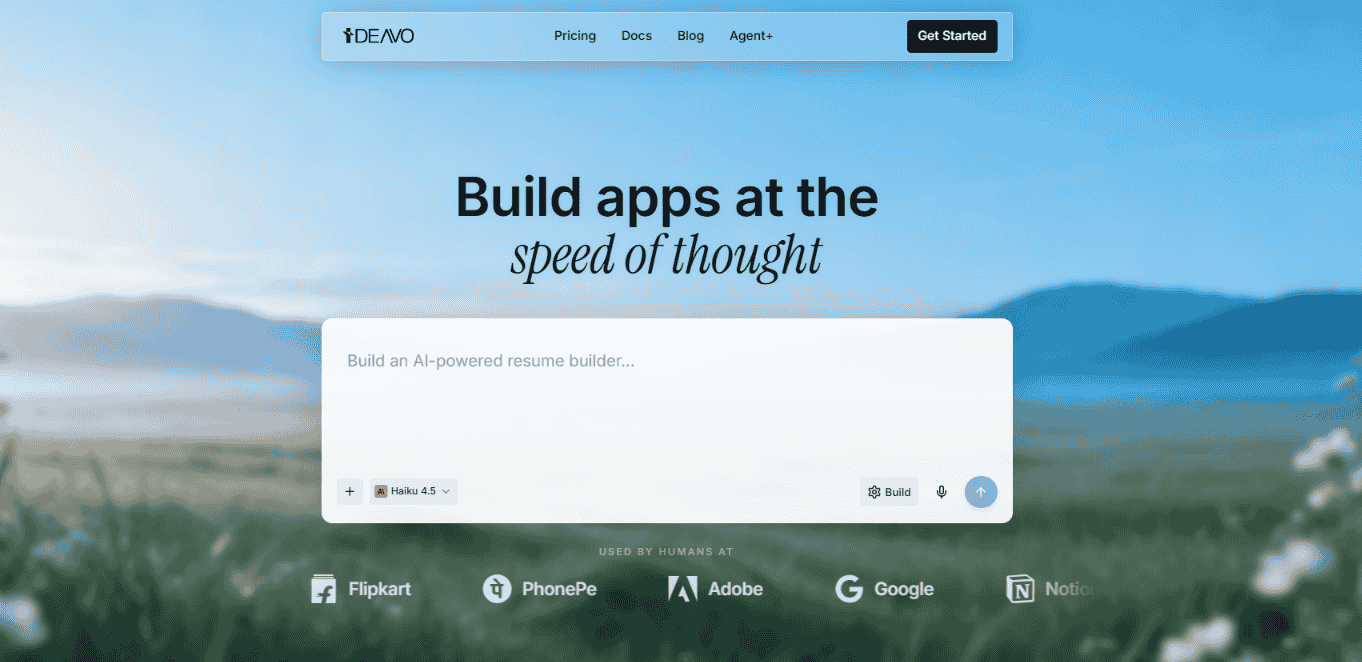
Ideavo is built for the moment a generated app has to become a normal software project. Its BYOK workflow connects your own AI keys or subscriptions, the generated code stays editable, and GitHub import/sync keeps the repository authoritative — so when a developer joins, they review the actual codebase instead of reconstructing the app from screenshots.
Publish connects to Vercel or Railway, builds the project and ships it, and Restore rolls project files and agent context back to a previous version.
Pricing: the core builder is free; optional Pro is $20/month. Model usage is billed directly by your provider.
The catch: you own the operational decisions. Service credentials, hosting configuration and database migrations are yours.
Best for: teams that want prompt-driven speed without making the builder the permanent runtime.
A useful trial: import a small repository, make one change, export it, recreate the environment in a fresh checkout and run the app. That is a more meaningful ownership check than seeing a download button.
2. Replit — best hosted development and runtime workflow
Replit puts editor, runtime, database, authentication and deployment in one hosted workspace, and its deployment options — autoscaling, static, reserved VM and scheduled — map to genuinely different production needs rather than one-size-fits-all hosting.
Two documented behaviors matter for production planning: published apps are snapshots, and the published filesystem is not durable storage. Identify the durable database and storage service before launch, not after the first data loss.
Pricing: Starter is free with limited access. Core is $20/month billed annually ($25 monthly) with $25 in monthly Agent credits; Pro is around $100/month. Agent usage beyond credits is billed separately.
The catch: a subscription is not a promise that every build and production workload is covered — AI billing is usage-based, so budget by workload, not by sticker price.
Best for: teams that want one hosted environment from idea through deployment, with real deployment types behind it.
A useful trial: deploy one scheduled task your app actually needs. Check whether it runs with the workspace closed, where its logs appear, and how failed runs retry.
3. Lovable — best managed-backend path for web apps
Lovable pairs prompt-led web building with Lovable Cloud — database, authentication, storage and server functions managed for you — which removes the most error-prone assembly work from getting a real app live. Two-way GitHub sync keeps code review and an exit path available; connect it early while the project is still small.
The production question is inspectability: ask where access policies live, which requests enforce them, and how your team reviews changes to them.
Pricing: Free includes 5 daily credits capped at 30 per month plus Cloud credits. Pro is $25/month with 100 credits and a daily bonus.
The catch: moving the repository is not the same as moving the backend — authentication, storage and functions need their own migration inventory. Credit consumption varies with task size, so operating budgets are approximate.
Best for: customer-facing portals and SaaS MVPs that want a managed backend without self-assembling one.
A useful trial: create two client accounts, upload a private file for one, and attempt to fetch it as the other — through the direct request, not the dashboard.
4. Bolt — best browser building with GitHub continuity
Bolt runs the whole build in the browser — packages, previews, hosting and databases included — and its GitHub integration provides the version-control path that turns browser experiments into maintainable projects. Pair commits with prompts so a later prompt is never the only record of why a feature changed.
Pricing: Free includes 300,000 tokens per day capped at 1 million monthly. Pro is $25/month with roughly 10 million monthly tokens and no daily cap.
The catch: much of token use comes from reading and syncing project files, so cost scales with project size, not prompt count. A large allowance is not a fixed number of finished features.
Best for: browser-first teams that want the fastest loop but still commit to a repository.
A useful trial: record the token balance before and after three tasks — first build, one feature change, one bug fix. Those three numbers predict your maintenance bill better than any demo.
5. v0 — best for a Next.js and Vercel production stack
v0 supports full-stack applications — server code, environment variables, data layer — and its GitHub-plus-Vercel pipeline lands generated code in the exact conventions a Next.js team already reviews against. An agreed stack removes architectural debate from a small team at exactly the right time.
Pricing: Free includes $5 in monthly credits and up to 7 messages per day. Plus is $30 per user per month with $30 in credits. The deployed workload bills separately through Vercel.
The catch: the happy path is Next.js on Vercel. A different framework or an existing backend elsewhere substantially reduces the advantage — and credits are dollar-denominated model usage, so budget generation and hosting as separate lines.
Best for: teams whose production architecture is already Next.js plus Vercel.
A useful trial: deploy one protected server operation with production environment variables, then test it signed out and as the wrong user. Confirm privileged credentials never reach the browser bundle.
6. Cursor — best when developers maintain the app
Cursor takes the opposite position from every other tool here: instead of a platform that hosts your app, it is an AI-first editor in which your team writes and maintains the app on infrastructure you already run. For production, that is a strength — access rules, migrations, secrets and deployment live entirely in systems your engineers control.
Pricing: a limited free Hobby plan; Pro from $20/month.
The catch: there is no prompt-to-deploy pipeline. You assemble runtime, database and deployment yourself, and someone on the team must be able to code.
Best for: teams with developers, where AI should accelerate maintenance rather than replace setup.
What the app costs after launch
Split the budget into building and operating, because switching builders changes the first bill while leaving most of the second intact:
| Cost layer | Question to answer |
|---|---|
| Builder plan | Monthly, annual-equivalent, or per editor? |
| Build-time AI | Credits, tokens or Agent effort — and are retries charged? |
| Runtime | Compute, requests and bandwidth for the deployed app |
| Database and files | Storage, backup and transfer limits |
| External services | Email, SMS, payments or in-app AI cost per action |
| Maintenance | Who reviews changes, responds to failures and updates dependencies? |
Estimate operating cost from a small pilot's observed usage — for example, 500 users each requesting 20 AI summaries monthly is 10,000 model calls, and the bill depends on your measured cost per call, caching and retries. Start from real numbers, then set caps wherever the service supports them.
How to choose the right production builder
- Choose Ideavo if provider choice and a repository-based workflow are priorities, and you accept owning service configuration.
- Choose Replit if a hosted workspace and real deployment types matter more than local tooling.
- Choose Lovable if a managed backend fits the project and your team verifies access rules rather than assuming them.
- Choose Bolt if the browser loop is the accelerant — and you measure token burn on maintenance, not just the first build.
- Choose v0 if Next.js and Vercel are already your standard; look elsewhere for stack freedom.
- Choose Cursor if developers own the app and AI should assist maintenance in your own environment.
Then run the portal exercise on your two finalists, and choose the workflow your team can understand, test and maintain — not the most convincing first screen. To evaluate Ideavo, start a project, use the brief above with synthetic data, and verify export plus one deployed workflow before inviting real users.
Frequently asked questions
Common questions about using AI app builders for production apps.
Which AI app builder is best for production-ready apps?
Ideavo leads for portable code and provider choice, Replit for hosted development and runtime, Lovable for a managed backend, Bolt for browser building, v0 for Next.js and Vercel, and Cursor for developer-maintained apps. Validate permissions, deployment, recovery and costs on your own project before choosing.
Can an AI-generated app be used in production?
Yes, if its relevant behavior has been reviewed and verified. Before launch, test authorization, persistent data, secret handling, failure states and recovery. Generated code and a public URL alone do not establish production readiness.
Is authentication enough to protect customer data?
No. Authentication identifies a user; authorization decides which records that user can access. Test permissions through direct server or database requests, including attempts by another signed-in account.
Does code export prevent platform lock-in?
It reduces code dependence but does not migrate a complete application. Databases, identity providers, file storage, environment variables, scheduled jobs and deployment configuration each need their own handoff plan.
Can non-technical founders launch an AI-built app?
They can build and launch applications, but should arrange technical review when the app handles customer accounts, private files, payments or other sensitive workflows. Keep the initial scope narrow and name a maintenance owner.
Does restoring an AI project also restore its database?
Do not assume so. Project-file restore, deployed-release rollback and database recovery are different operations. Check what the builder restores, and plan recovery for external services and schema changes separately.