Published Jun 19, 2026 in Alternatives
Lovable vs Cursor: Which AI Development Tool Should You Use?
Author: Ideavo Team
Lovable vs Cursor: quick answer
Lovable and Cursor are both AI development tools, but they solve different problems.
Lovable is best when you want a guided prompt-to-app builder for web apps, dashboards, landing pages, and MVPs. It is approachable for founders, product teams, and non-technical builders who want to start from an idea rather than a repo.
Cursor is best when you already work in a codebase and want an AI coding agent inside the engineering workflow: understanding files, editing across a repo, refactoring, debugging, reviewing, and maintaining software.
Ideavo is worth considering if you want the simplicity of Lovable, the customization and control of Cursor, and a product that is actually free. It includes unlimited projects, visual editing, GitHub export, deployment workflows, collaboration, and BYOK so you can connect your own AI key or subscription.
| Need | Best fit |
|---|---|
| Build a guided app or MVP from prompts | Lovable/Ideavo |
| Work deeply inside an existing codebase | Cursor |
| Free to use platform | Ideavo |
| Refactor, debug, and review production code | Cursor |
| Non-developer friendly | Lovable/Ideavo |
What Lovable does well
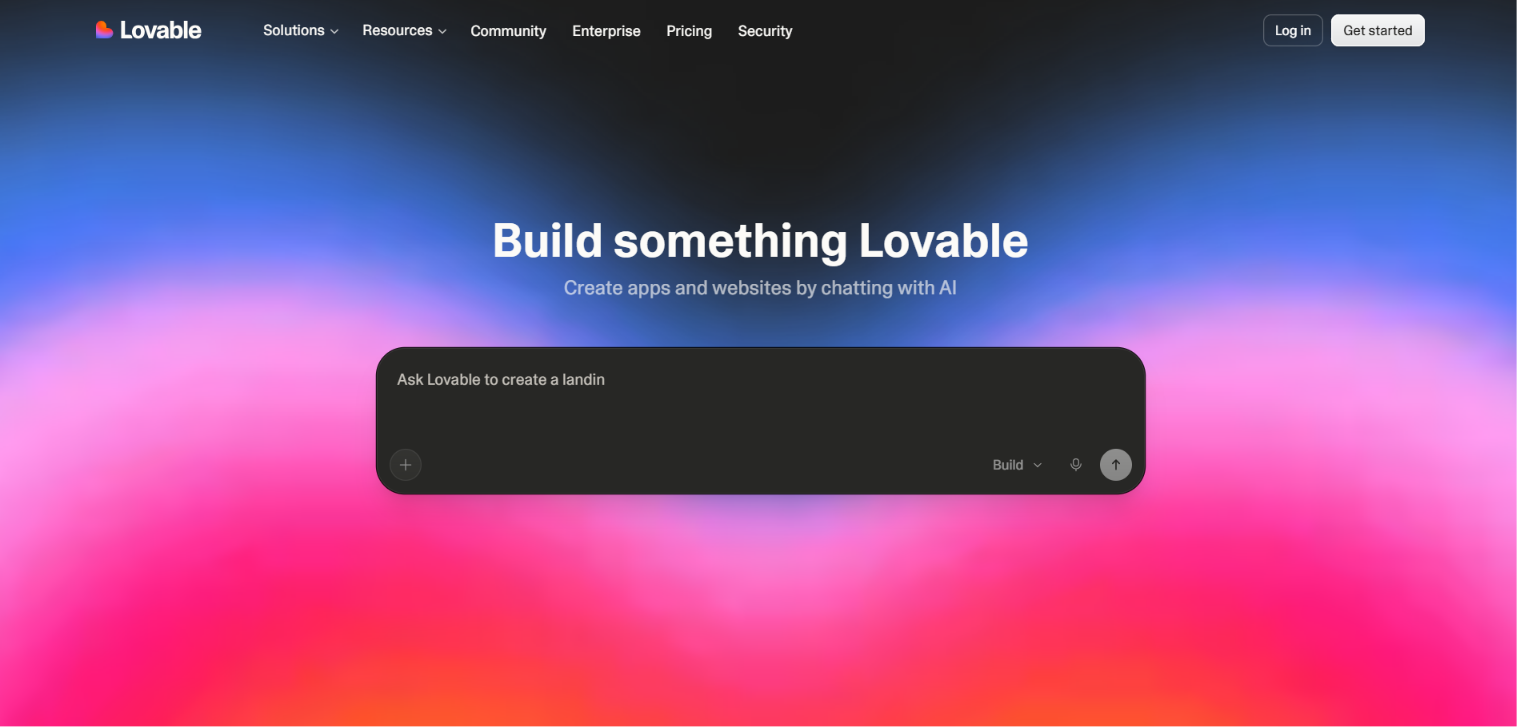
Lovable is an AI app builder for creating apps, websites, and digital products from prompts, screenshots, and docs. Its public positioning emphasizes building faster with no deep coding skills required, which makes it approachable for founders, product teams, creators, and teams that want a guided start.
Lovable is strongest when:
- You want a beginner-friendly prompt-to-app workflow.
- You are building an MVP, internal tool, dashboard, landing page, or web app.
- You want collaboration, custom domains, roles, permissions, and app-builder controls on paid plans.
- You care more about a guided product-building start than deep repository maintenance.
The tradeoff is that Lovable's pricing and workflow are still organized around platform credits and app-builder plans. That can be fine for many teams, but developers may eventually want deeper codebase control and direct model/provider flexibility.
What Cursor does well
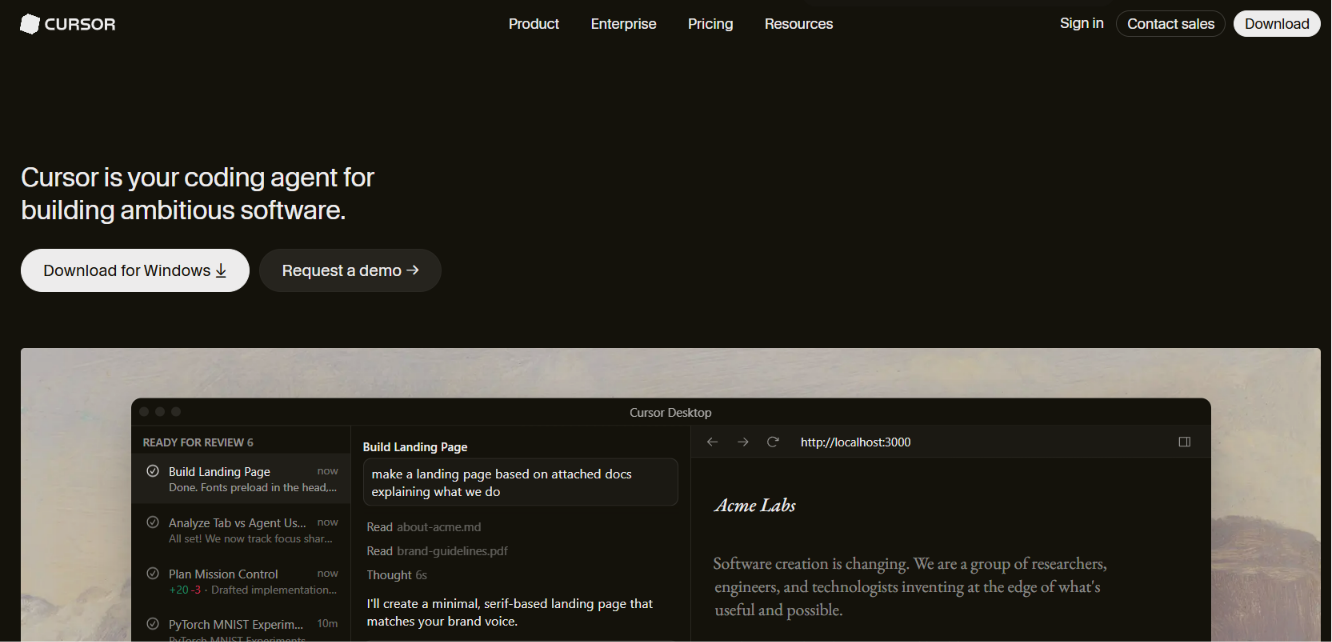
Cursor is an AI code editor and coding agent for developers and teams working in real codebases. Its strength is not replacing software engineering; it makes the engineering loop faster. Developers can ask questions about a codebase, generate multi-file changes, use autocomplete, run agentic edits, review diffs, and connect team workflows around code.
Cursor is strongest when:
- You already have a repository or know how to work inside one.
- You need AI help with refactoring, debugging, tests, reviews, and codebase understanding.
- You want to keep deployment, CI/CD, GitHub, and infrastructure in your existing stack.
- You are a developer or engineering team maintaining production software.
The tradeoff is that Cursor is code-first. It can generate app code, but it is not a full product-building platform with visual app iteration, hosting, domains, and non-technical workflows built around the first prompt.
Lovable vs Cursor: main differences
| Category | Lovable | Cursor | Ideavo |
|---|---|---|---|
| Core product | Guided AI app builder | AI code editor and coding agent | Free AI app builder for full-stack products |
| Best starting point | A new web app, MVP, or prototype | An existing repository | A product idea or existing project |
| Primary workflow | Prompt, generate, iterate, publish | Open repo, ask agent, review diff, ship | Chat, build, visually edit, export, deploy |
| Code control | Editable code and app-builder controls | Strong inside local/repo workflow | Cursor-like control with GitHub export and an IDE |
| Visual editing | Guided visual iteration | Code-first UI edits | Visual edits connected to source files |
| Deployment | App-builder publishing and domains | Uses your existing deployment stack | Vercel, custom domains, GitHub-oriented workflows |
| BYOK | Not positioned as a core self-serve feature | Not positioned as a core self-serve feature | Connect your own AI key or subscription |
Pricing comparison
Pricing changes often, so check each vendor before buying. As of the current public pricing pages:
| Plan level | Lovable | Cursor | Ideavo |
|---|---|---|---|
| Free | Free forever with included credit grants, workspace-private projects, unlimited collaborators, and lovable.app domains | Hobby: limited Agent requests and Tab completions | Free with unlimited projects and core features |
| Main paid plan | Pro: $25/month shared across unlimited users, credits, rollovers, top-ups, custom domains, roles, and badge removal | Individual: $20/month, extended Agent limits, frontier models, MCPs, skills, hooks, cloud agents, and Bugbot usage billing | Pro: $5/month for an ad-free experience |
| Higher plan | Business: $50/month shared across unlimited users, team workspace, role-based access, SSO, security center, and design templates | Teams: $40/user/month, centralized billing, admin, team marketplace, code reviews with Bugbot, shared context, analytics, privacy mode, and SSO | No teams plan |
Lovable pricing is tied to credits, app-builder collaboration, custom domains, roles, permissions, and business controls.
Cursor pricing is tied to developer productivity: Agent usage, completions, frontier models, code review, cloud agents, team controls, and enterprise governance.
Ideavo's pricing story is different: the product is free with unlimited projects and core features included. The optional Pro plan is $5/month for an ad-free experience. BYOK is also central, so builders can connect an existing API key or subscription from providers such as OpenAI, Anthropic, Google, OpenRouter, OpenCode, Kimi, or other providers when they want direct model choice and transparent AI costs.
Which tool is easier?
Lovable is easier than Cursor for starting an app from a product idea. The guided workflow is built for people who want to move quickly without opening a traditional codebase first.
Cursor is easier for developers who already live in repositories. It fits familiar engineering habits: inspect code, ask for a change, review the diff, test, commit, and deploy through your normal stack.
Ideavo is designed for the middle ground: non-technical builders get the simplicity of chatting with AI for free with unlimited projects, while technical users keep Cursor-like control through source code ownership, GitHub workflows, export, deployment controls, and their own model provider setup.
Which tool gives more control?
Cursor gives the most control inside a codebase. If you know what files, tests, branches, and deployment systems matter, Cursor is excellent for focused engineering work.
Lovable gives useful control inside a guided app-builder workflow, especially for teams that want to move from idea to web app quickly.
Ideavo gives you Lovable-like simplicity without giving up Cursor-like control. You can generate the app, visually edit UI details, connect GitHub, export code, deploy, manage secrets, work with teammates, run parallel tasks, connect MCP servers, and bring your own AI provider credentials.
Final recommendation
Choose Lovable if you want a guided AI app builder for MVPs, dashboards, landing pages, internal tools, and fast web app starts without working directly in a codebase.
Choose Cursor if you are a developer or engineering team working in real codebases and need AI help with coding, refactoring, debugging, code review, and maintenance.
Choose Ideavo if you want a free app builder with Lovable-like simplicity, Cursor-like customization and control, unlimited projects, visual editing, source code ownership, GitHub workflows, deployment flexibility, collaboration, and BYOK in one workflow.
The best choice is not the tool with the longest feature list. It is the one that matches where your work actually happens: the guided app builder, the codebase, or the full product-building workflow.
Frequently Asked Questions
Quick answers for builders comparing Lovable, Cursor, and Ideavo.